Key Takeaways
- Set up strong device locks, account recovery, and lost-phone tools before you leave home.
- Use public Wi-Fi carefully, avoid sensitive tasks on unknown networks, and keep mobile data as a safer backup.
- Store travel documents in more than one secure place, including offline copies you can reach without signal.
- Separate payment methods, monitor banking alerts, and avoid using one phone as your only financial lifeline.
- Build a simple daily routine for weather, transport, booking, and security checks so small issues do not become emergencies.
Simple Digital Safety Tips for Travellers
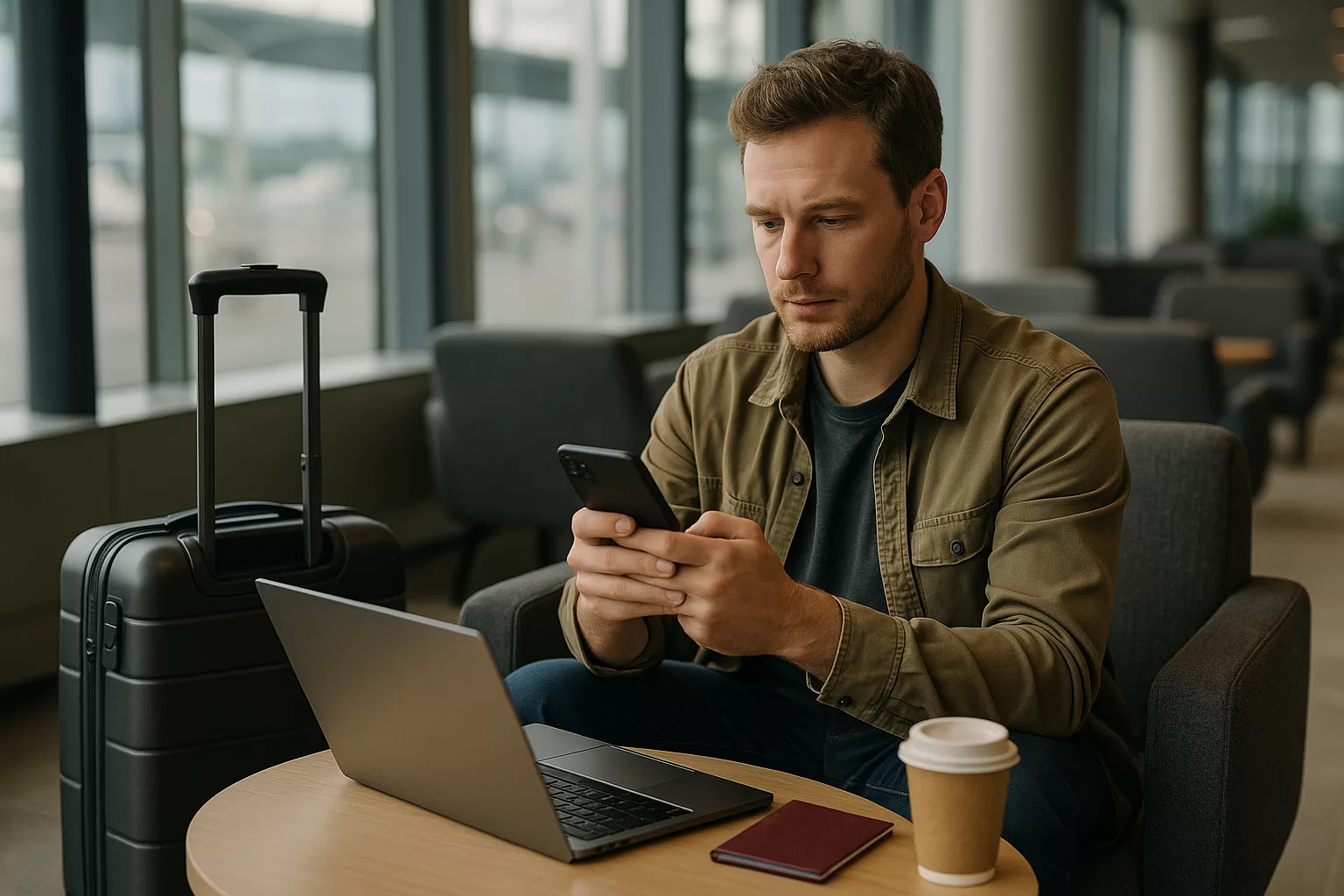
Travel now runs through a phone: boarding passes, hotel addresses, maps, ride-hailing, bank alerts, translation, weather warnings, and emergency contacts. That convenience is powerful, but it also means a dead battery, stolen device, weak password, or fake Wi-Fi network can disrupt a trip quickly.
These digital safety tips for travellers are designed for normal holidays, work trips, city breaks, solo travel, and family journeys. The goal is not to make you paranoid; it is to help you prepare once, use a few calm habits, and keep your trip moving if something goes wrong.
Quick Answer
The safest travel tech setup is simple: lock every device, update your apps, turn on account recovery, back up documents, use unique passwords, and set up lost-device tracking before departure. On the road, avoid sensitive logins on unknown Wi-Fi, keep payment methods separated, use trusted transport apps carefully, and check weather, transport, and booking messages daily. If a phone disappears, use another device to lock it, contact your bank and mobile provider, change key passwords, and rely on your offline backups until you recover access.
Trip Decision Builder
Choose your trip style, weather, bag size, and priority to get a useful packing and planning direction.
Choose the options above, then build a recommendation you can use with the checklist, table, and sources in this guide.
In This Guide
Digital Safety Tips for Travellers Before Leaving Home
The best time to improve travel security is a few days before departure, not while standing in a station with low battery. Start with the device you will use most. Install system updates, update your banking, airline, hotel, map, and transport apps, and remove apps you no longer trust or use. A cleaner phone is easier to manage and less likely to leak information through forgotten accounts.
Use a long passcode, fingerprint, or face unlock, and avoid simple patterns or birthdays. Turn on two-factor authentication for email, cloud storage, banking, and booking accounts because email often controls password resets. Confirm that your recovery phone number and backup email are current, especially if you have changed SIM cards or moved countries recently.
Lock the screen properly
A strong lock buys time if your phone is lost in a taxi, airport tray, hostel, or café. Choose a longer code and set the device to lock quickly after inactivity.
Update before travel day
Do updates on home Wi-Fi with enough battery. Last-minute airport updates can break app logins, drain power, or leave you waiting when you need boarding and transport details.
Check recovery options
Make sure account recovery does not depend only on the phone you are carrying. Add a trusted backup email, print emergency numbers, and keep recovery codes somewhere secure.
Prepare offline access
Download maps, hotel addresses, booking references, and insurance details. Offline access helps when roaming fails, weather disrupts transport, or a border area has weak coverage.
Create a small digital travel folder, but avoid storing everything as unprotected screenshots. Save essential documents in a secure cloud account and also keep selected offline copies on your device. For sensitive files such as passport scans, use a password-protected folder or encrypted storage where available. Keep one printed emergency sheet with your accommodation address, travel insurance contact, important medical notes, and a trusted person at home.
Do not depend on one email inbox for every booking. If your email is compromised, a thief may see your travel route, hotel, flights, and payment confirmations. Use strong, unique passwords with a password manager, and check that you can open the manager offline or through a recovery method that works abroad. If you share devices with children or travel companions, confirm they cannot access payment apps, saved passwords, or private documents accidentally.
Safe Connections, Transport Apps, and Daily Use on the Road
Public Wi-Fi is convenient, but it is rarely the safest place for banking, work logins, or passport uploads. A hotel, café, airport, or bus network may be legitimate yet still crowded with unknown users. Treat public networks as useful for maps, browsing, and messages, but use mobile data or a trusted private connection for sensitive actions whenever possible.
Before joining a network, check the exact name with staff rather than guessing from a list. Fake networks often use names that look familiar. If your phone asks whether to trust a network, share files, or connect automatically in the future, choose the least permissive option. Turn off auto-join for networks you no longer use, and disable Bluetooth or hotspot sharing when you do not need them.
| Travel moment | Main risk | Safer habit | Current check | Backup |
|---|---|---|---|---|
| Airport Wi-Fi | Fake network | Verify name | Gate changes | Mobile data |
| Hotel check-in | Exposed details | Use official app | Booking status | Printed address |
| Ride-hailing | Wrong vehicle | Match plate | Route traffic | Licensed taxi rank |
| Train or bus | Lost phone | Keep it zipped | Platform updates | Offline ticket |
| Bad weather day | Disruption | Check alerts | Local forecast | Flexible route |
| ATM stop | Card exposure | Use bank branch | Bank alerts | Second card |
Transport apps deserve special attention because they combine your location, payment method, and destination. Use official apps from recognised stores, keep them updated, and check driver, plate, route, and fare estimate inside the app before entering a vehicle. If the app offers trip sharing, send the live route to someone you trust when arriving late, travelling alone, or moving through an unfamiliar area.
Maps can also reveal more than you expect. Avoid naming saved places as “home” if the phone will be visible to strangers, and be careful when sharing live location in group chats. For budget control, download offline maps and transport route information before roaming. That reduces data use and helps if your plan slows down or your destination has patchy coverage.
Common mistakes to avoid
- Using the same password for email, hotel, airline, and banking accounts.
- Saving passport photos in an unlocked camera roll with no backup plan.
- Joining the strongest Wi-Fi signal without confirming who operates it.
- Carrying one payment card and storing it in the same case as the phone.
- Letting transport apps, maps, or airline apps go untested until travel day.
Protect Money, Documents, Weather Updates, and Bookings
Travel safety is not only about hackers. The practical risk is often losing access at the wrong moment: a blocked card at dinner, a dead phone before a train, or a booking email you cannot open at reception. Build redundancy into your trip so one failure does not stop everything.
Carry at least two payment methods if possible, stored separately. One card can stay in a money belt, hotel safe, or separate bag while the daily card stays in your wallet. Turn on bank notifications so you see charges quickly, but do not ignore roaming costs for SMS alerts. If your bank requires app approval, check before departure that the app works abroad and that you know how to contact the bank if your phone is lost.
Split payment access
Do not keep every card in your phone wallet and phone case. If both vanish together, you may lose transport, food, accommodation payments, and emergency options at once.
Use booking screenshots wisely
Screenshots are convenient for check-in, but they can expose names, dates, and reference numbers. Keep only what you need offline and delete outdated copies after the trip.
Watch weather early
Severe heat, storms, snow, or flooding can affect flights, ferries, mountain roads, and city transport. Check official forecasts and operator messages before committing your day.
Budget for backups
A safer trip may need a power bank, extra data, secure luggage storage, or a taxi after a late arrival. Leave a small buffer for these practical safety choices.
Documents need the same layered approach. Keep your passport secure, but store a scan in a protected digital location and a paper copy away from the original. Save insurance details, emergency contacts, accommodation addresses, and any medical information you may need if you cannot unlock your phone. If you are travelling with children, older relatives, or a group, decide who holds backup copies and who can make calls if the main organiser loses access.
Make current checks part of the budget and planning routine, not an afterthought. Before a travel day, review airline or rail messages, local weather, strike or disruption notices from your operator, hotel check-in instructions, and mobile roaming status. Avoid relying on old screenshots for schedules, gates, platforms, or meeting points because transport details can change close to departure. For legal, entry, health, or visa questions, check official sources directly rather than relying on saved social posts or old forum advice.
What to Do If Your Phone, Card, or Account Is at Risk
If your phone disappears, act in order. First, get to a safe place and use another trusted device if available. Call the phone once if you think it is nearby, but avoid chasing a live location into an unsafe area. If the device is truly missing, use the platform’s official lost-device tool to mark it lost, lock it, display a contact message if appropriate, or erase it when recovery is unlikely.
Next, protect the accounts that matter most: email, banking, cloud storage, password manager, mobile wallet, airline account, and messaging apps. Change passwords from a trusted device, revoke sessions where possible, and contact your bank or card provider if payment apps or cards may be exposed. If your SIM can receive one-time codes, ask your mobile provider about suspending or replacing it so someone else cannot intercept verification messages.
A calm 20-minute response plan
- Move somewhere safe and borrow a trusted phone or computer.
- Use official lost-device tools to locate, lock, or erase the device.
- Contact your bank if cards, wallets, or banking apps may be exposed.
- Change email and password manager credentials before less important apps.
- Ask your mobile provider about suspending the SIM or issuing a replacement.
- Use offline copies for hotel, insurance, transport, and emergency contacts.
If a card is missing but the phone remains secure, freeze the card in your banking app if that feature is available, then call the bank through a number you already trust. Be careful with search results or messages that claim to be support contacts. Scams often appear when travellers are stressed. Use numbers printed on the card, saved before departure, or listed inside the official app.
When an account shows strange activity, take screenshots for your records, change the password, log out other sessions, and review recovery settings. Remove unknown devices and check whether email forwarding rules, backup phone numbers, or authorised apps have been changed. If work data is involved, notify your employer quickly; many companies have specific procedures for lost devices and travel incidents.
Traveller Digital Safety Planner
Use this mini tool as a practical planning checklist. It is not a security audit; it is a fast way to decide what needs attention before travel day and what should be checked during the trip. Copy it into a note, assign tasks to travel companions, and complete the urgent items before you leave home.
Three days before departure: update devices, test logins, download offline maps, confirm account recovery, save insurance details, check roaming or eSIM setup, and pack a power bank. Night before travel: charge devices, save boarding passes offline, confirm transport timings, check weather, and print or write emergency essentials. Each morning away: review weather, transport changes, battery level, payment access, and the day’s bookings.
Green: ready
Your phone is updated, locked, backed up, and tested. You have offline documents, separated payments, current travel messages, and a clear plan if the device is lost.
Amber: fix soon
You have most essentials, but one weak point remains: no offline map, one payment card, old app versions, weak recovery settings, or no printed emergency sheet.
Red: fix now
You cannot access key accounts without one phone, your documents are only in email, or your payment and ID backups are together. Solve this before departure.
Review: every travel day
Check battery, weather, transport status, booking messages, wallet location, and data connection. This two-minute habit prevents many expensive, stressful, and avoidable problems.
Timing matters. Do not change every password or install a new security tool at the airport unless there is a real problem; you may lock yourself out. Make important changes while you still have home Wi-Fi, familiar devices, and time to test. If travelling as a couple, family, or group, agree on a backup meeting point and a non-digital way to reconnect if phones fail.
Finally, match your safety level to the trip. A weekend city break may need basic phone security, offline tickets, and card separation. A multi-country trip, remote route, festival, cruise, or work journey needs more redundancy: printed documents, spare charging cables, secure cloud access, travel insurance contacts, and a clearer lost-device plan.
Summary and Final Thoughts
Good travel tech safety is mostly preparation, separation, and current checking. Secure your device before departure, keep documents and payments available in more than one way, use public connections cautiously, and make transport, weather, and booking checks part of your normal routine.
The best digital safety tips for travellers are the ones you will actually use. Keep the system simple, test it before you go, and avoid depending on one phone, one card, one inbox, or one internet connection for the whole journey.
FAQ
What is the most important digital safety step before travelling?
Set up strong phone security and account recovery before you leave. A long passcode, updated software, two-factor authentication, and working lost-device tools protect your most important travel hub. Also confirm you can access email, banking, and documents without relying only on one phone.
Is public Wi-Fi safe for travellers?
Public Wi-Fi is fine for low-risk browsing, maps, and general planning, but avoid banking, work systems, and sensitive uploads on unknown networks. Confirm the network name with staff, disable auto-join, and use mobile data for important logins when you can.
How should I store passport copies digitally?
Keep a protected digital copy in secure cloud storage and an offline copy in a password-protected folder if your device supports it. Do not leave passport scans loose in your camera roll. Carry a paper copy separately from the original for emergencies.
What should I do first if my phone is stolen abroad?
Move somewhere safe, then use another trusted device to lock or mark your phone as lost through the official platform tool. Contact your bank and mobile provider, change your email password, and use printed or offline travel details while restoring access.
Do I need a VPN when travelling?
A reputable VPN can add privacy on public networks, especially for browsing and work tasks, but it is not a complete safety solution. You still need updated devices, strong passwords, two-factor authentication, careful app use, and common sense with links and downloads.
Sources and Further Reading
- Best Travel Tech Habits Before Leaving Home
- How to Organise Travel Apps for a Stress-Free Trip
- Simple Travel Habits for a Smoother, Safer Journey
- Is Vienna Safe For Solo Female Travellers? An In-Depth Guide
- Apple Support: If your iPhone, iPad, or iPod touch is lost or stolen
- Google Account Help: Find, secure, or erase a lost Android device
Comments
Share your thoughts, travel tips, questions, or experience related to this guide.
Loading comments…