Key Takeaways
- Organise travel apps by the moment you need them, not by the company that made them.
- Put offline essentials, booking confirmations and emergency tools where they are reachable without a signal.
- Check transport, weather, safety and payment apps shortly before departure because travel details change.
- Use fewer apps during the trip by choosing one primary tool for each job and removing duplicates.
- A simple phone routine on travel days can reduce missed alerts, battery drain and last-minute panic.
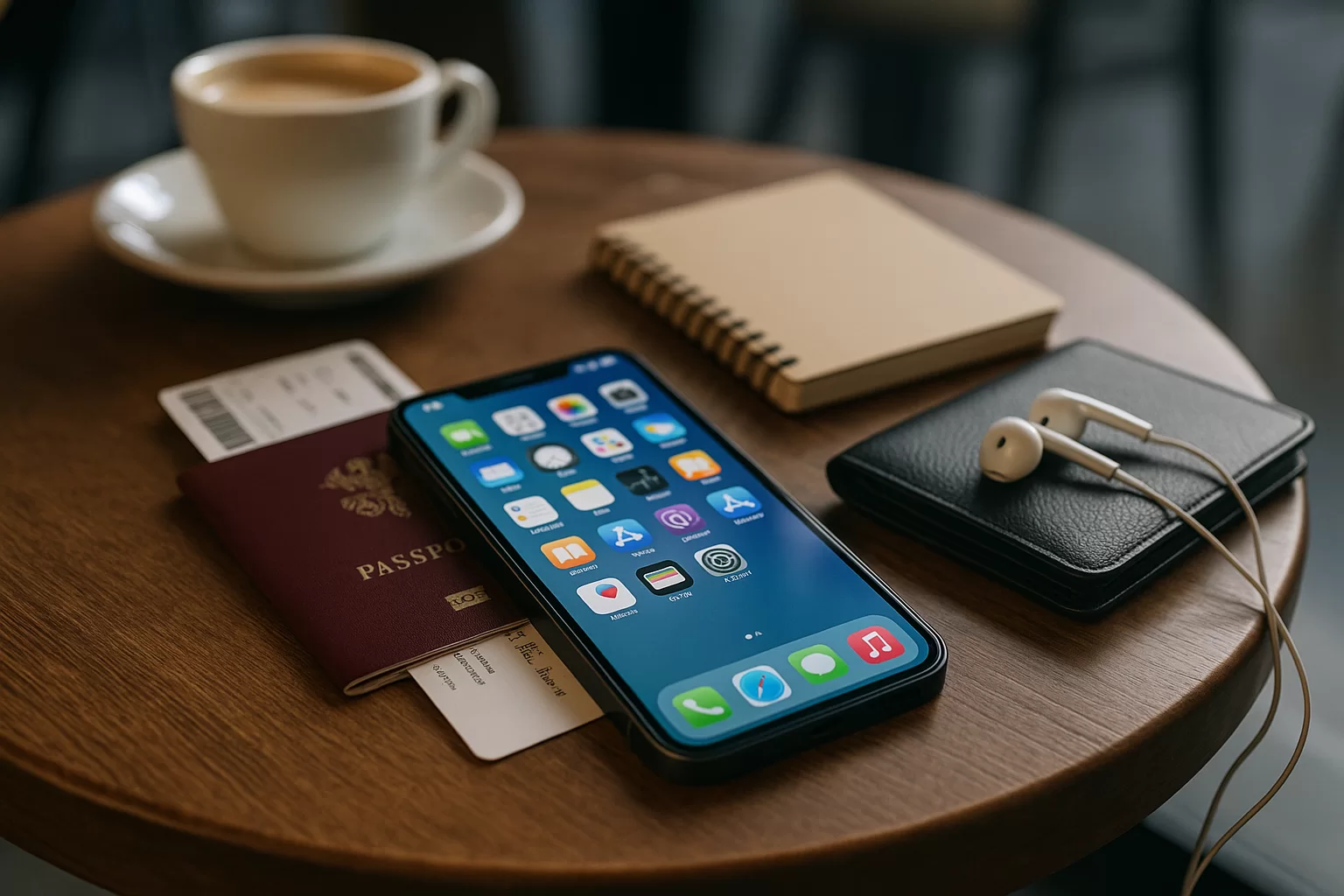
If you want to organise travel apps well, think less about having the perfect phone and more about reducing decisions when you are tired, offline or rushing through a station. The goal is to make the right app obvious at the right moment.
This guide gives you a practical setup for planning, departure day and the trip itself, including timing, safety, budget, transport, weather and current-check reminders. It avoids promising specific prices, visa rules or local laws because those can change quickly.
Quick Answer
The easiest way to organise travel apps is to create a small travel home screen or folder system based on trip stages: Plan, Booked, Move, Stay, Money, Safety and Offline. Keep the most urgent tools on the first screen: maps, airline or rail app, wallet, messaging, weather and translation. Download offline maps, save confirmations, enable important notifications and sign in before you leave home. Two days before departure, check app updates, subscription status, payment cards, transport times, weather alerts and emergency information. During the trip, review the folder each morning and remove clutter when something is no longer needed.
Trip Decision Builder
Choose your trip style, weather, bag size, and priority to get a useful packing and planning direction.
Choose the options above, then build a recommendation you can use with the checklist, table, and sources in this guide.
In This Guide
How to Organise Travel Apps by Travel Moment
The best structure is not alphabetical. It is chronological. Put apps where your future self will look for them: when planning, when moving, when checking in, when paying, when asking for help and when offline. This reduces mental load when airport Wi-Fi fails or a taxi queue is moving fast.
Start by choosing one primary app for each task. If you keep three flight trackers, four map apps and two expense tools on your home screen, you are still disorganised. Keep backups installed if you like, but make one app the obvious default.
Plan
Use this space for itinerary builders, calendar, notes, packing lists and destination research. Once the trip starts, move it off the main screen unless you still need it daily.
Move
Group airline, rail, rideshare, transit, parking, maps and fuel or charging apps. These are high-pressure tools, so they deserve the fastest access.
Stay
Keep hotel, apartment, hostel and access-code apps together. Add screenshots of addresses, door instructions and host messages in case mobile data is slow.
Safety
Place emergency contacts, insurance, health, translation, location sharing and local alert apps together. Keep this folder visible, not buried behind entertainment apps.
| Trip moment | App types | Best location | Offline backup | Current check |
|---|---|---|---|---|
| Before booking | Flights, stays, notes | Plan folder | Saved shortlist | Fees and terms |
| Departure | Airline, rail, wallet | Home screen | Boarding screenshot | Times and gates |
| Arrival | Maps, transit, rides | Move folder | Offline map | Routes and delays |
| Daily exploring | Weather, translation, guide | Travel widget | Saved places | Weather alerts |
| Spending | Bank, currency, expenses | Money folder | Card numbers hidden | Card limits |
| Emergency | Insurance, health, contacts | Safety folder | PDF copies | Policy access |
A useful test is the one-thumb test: can you unlock your phone and reach the app you need while holding luggage? If not, simplify the first screen. Use folders for calm browsing, but use the home screen for urgent actions.
Set Up Your Phone Before Departure
Do your app setup before you are tired, roaming or standing at a check-in desk. The highest-value tasks are boring: updates, sign-ins, downloads, permissions and backups. They are also the tasks that prevent the most stressful failures.
Set a reminder for one week before travel and another for 24 to 48 hours before departure. The first is for cleanup and installation. The second is for current checks: schedule changes, weather shifts, app logins, payment availability and transport options.
- Create a travel screen: Put maps, transport, wallet, accommodation, messaging, weather and translation in the first view you see.
- Download offline content: Save maps, tickets, hotel details, insurance PDFs, medical documents and any tour vouchers you may need.
- Check permissions: Maps need location, cameras may scan QR codes, wallet apps may need notifications and safety apps may need location sharing.
- Update carefully: Update important apps before departure, then open them once to confirm they still work and you are signed in.
- Secure access: Use a strong device passcode, device tracking, password manager access and cloud backup where appropriate.
- Reduce noise: Turn off promotional notifications and keep only transport, banking, weather, booking and safety alerts active.
Travel App Stack Planner: For each trip, choose one app for navigation, one for transport, one for accommodation, one for money, one for weather, one for translation and one for emergency documents. If an app does not support a real travel moment, remove it from your travel screen.
Budget apps deserve special attention. Check that your bank app opens, your card is active, your travel notices are handled according to your provider’s current process and your expense tracker uses the right currency settings. Do not rely on a conversion app alone when final card charges may include fees or dynamic exchange choices.
For safety, keep sensitive documents protected. Screenshots are convenient, but they should not expose everything if your phone is lost. Use masked copies where possible, store important files securely and keep a separate emergency contact list outside your phone.
Use a Simple App Routine on Travel Days
Travel days are when good organisation pays off. Your aim is to reduce taps, preserve battery and avoid switching between half-working apps. Before leaving for the airport, station or port, open each essential app once while you still have reliable internet.
Then switch from planning mode to execution mode. Put only immediate tools on the home screen: ticket, map, payment, weather, messaging and accommodation. Everything else can wait until you are settled.
Morning check
Review departure time, route, weather, traffic, baggage notes and payment access. If anything changed overnight, update your screenshots and calendar.
Transit check
Watch for gate, platform, delay and ride pickup updates. Keep charger access easy and avoid streaming if battery or data is limited.
Arrival check
Open offline maps, confirm the address, compare transport options and check local weather before leaving the terminal or station.
Night check
Save the next day’s route, charge devices, review spending, check forecast changes and move unused apps out of the way.
Battery rule: If an app will be needed for navigation, ticket scanning or payments, do not let it compete with video, gaming or unnecessary background location tracking on travel days.
For transport, keep a backup path. If a rideshare app is unavailable, know the public transport option. If the train app is down, have the booking reference saved. If your map cannot load, your offline area should still show the route to your accommodation.
Weather apps are not just for packing. Use them for timing. Heat, storms, snow, wind and air quality can change whether you walk, take transit, reschedule an outdoor activity or carry medication and water. Check close to departure and again each morning.
Mistakes to Avoid and What to Check Now
Most travel app problems are not caused by a missing app. They are caused by too many apps, old logins, missing offline access, unclear notifications or relying on live data at the worst possible moment. A clean setup beats a crowded one.
Also avoid assuming old travel advice is still current. App policies, subscription terms, local transport systems, airline rules, payment acceptance, visa processes and weather risks can change. Use official sources and your providers’ latest information before making decisions.
- Installing apps at the airport: App stores, verification codes and payment checks may fail on weak Wi-Fi or roaming data.
- Ignoring subscriptions: Trial apps can renew after the trip, so review app subscriptions before and after travel.
- Saving tickets in one place only: Keep tickets in the app, wallet and a screenshot or PDF where allowed.
- Letting notifications pile up: Promotional alerts can hide a gate change, bank alert or weather warning.
- Forgetting local usability: A popular app at home may not be the best option for maps, rides or payments at the destination.
- Over-sharing location: Share live location with trusted people when useful, but review permissions after the trip.
- Skipping accessibility settings: Larger text, voice input, translation audio and emergency features can help when stressed or tired.
Decision guide: Keep an app on your travel screen if you will use it within the next 48 hours, if it protects money or safety, or if it works offline. Move it away if it is only for inspiration, entertainment or a completed booking.
Families and groups should assign roles. One person can hold transport alerts, another accommodation details and another shared expenses. Everyone should still have the core address, emergency contact and meeting point saved offline, because phones get lost, batteries die and groups split up.
After the trip, reset your phone. Remove temporary apps, cancel unwanted subscriptions, turn off location sharing, archive documents, delete sensitive screenshots and keep only the tools you would genuinely use again. This makes the next trip easier before you even start planning.
Summary and Final Thoughts
A stress-free travel phone is not full of every possible app. It is organised around the moments that matter: planning, booking, moving, staying, paying, staying safe and getting help offline. Build that structure before departure, then simplify it as the trip unfolds.
The real habit is current checking. Confirm transport, weather, budget access, safety information and app logins close to travel, not weeks earlier. If you organise travel apps this way, your phone becomes a calm travel tool instead of another source of friction.
FAQ
What is the best way to organise travel apps on my phone?
Organise travel apps by trip stage: planning, transport, accommodation, money, safety and offline tools. Put urgent apps on the first screen and less urgent apps in folders. This makes the right tool easier to find when you are moving, tired or offline.
Should I use folders or a separate travel home screen?
A separate travel home screen is best for essential apps you need quickly, such as maps, wallet, airline, weather and messaging. Folders work well for lower-pressure tools like research, packing and entertainment. Many travellers use both for speed and neatness.
Which travel apps should work offline?
Prioritise offline maps, tickets, accommodation details, insurance documents, emergency contacts, translation basics and key itinerary notes. Offline access matters most during arrival, border queues, underground transit, rural travel and battery-saving mode, when live data may be slow, expensive or unavailable.
When should I update travel apps before a trip?
Update important travel apps several days before departure, then open each one to confirm you are still signed in. Avoid waiting until the airport or station. A last-minute update can require verification, change layouts or fail on weak internet.
How do I keep travel apps from draining my battery?
Limit background location access, close unused navigation, reduce promotional notifications and download maps before leaving Wi-Fi. On travel days, avoid heavy streaming and keep power-saving options ready. Give battery priority to tickets, payments, maps, messaging and safety tools.
Sources and Further Reading
- Best Travel Tech Habits Before Leaving Home
- Cheap Travel Habits That Save Money Without Ruining Trips
- 9 Best Travel Agencies in India That Will Make Your Trip Memorable
- Which Are The Best Apps To Help You Travel Through The World
- Apple Support: Use App Library on your iPhone and iPad
- Google Android Help: Manage apps on your Android device
- Apple Support: Use folders on your iPhone, iPad, and iPod touch
- Google Play Help: Manage your app subscriptions