Key Takeaways
- Airlines usually care most about cellular transmission. That is why airplane mode is accepted on many flights, while ordinary mobile calls and cellular data are normally restricted.
- Takeoff and landing are the most sensitive parts of the flight. Passengers need to hear instructions, keep aisles clear and secure loose items.
- Modern aircraft are designed to handle normal electronic environments, but aviation rules stay conservative because reducing avoidable risk matters.
- Small devices and large devices are treated differently. A phone in airplane mode may be allowed, while a laptop usually must be stowed for taxi, takeoff and landing.
- Always follow the crew’s instructions. Airline rules can vary by country, aircraft, route and phase of flight.
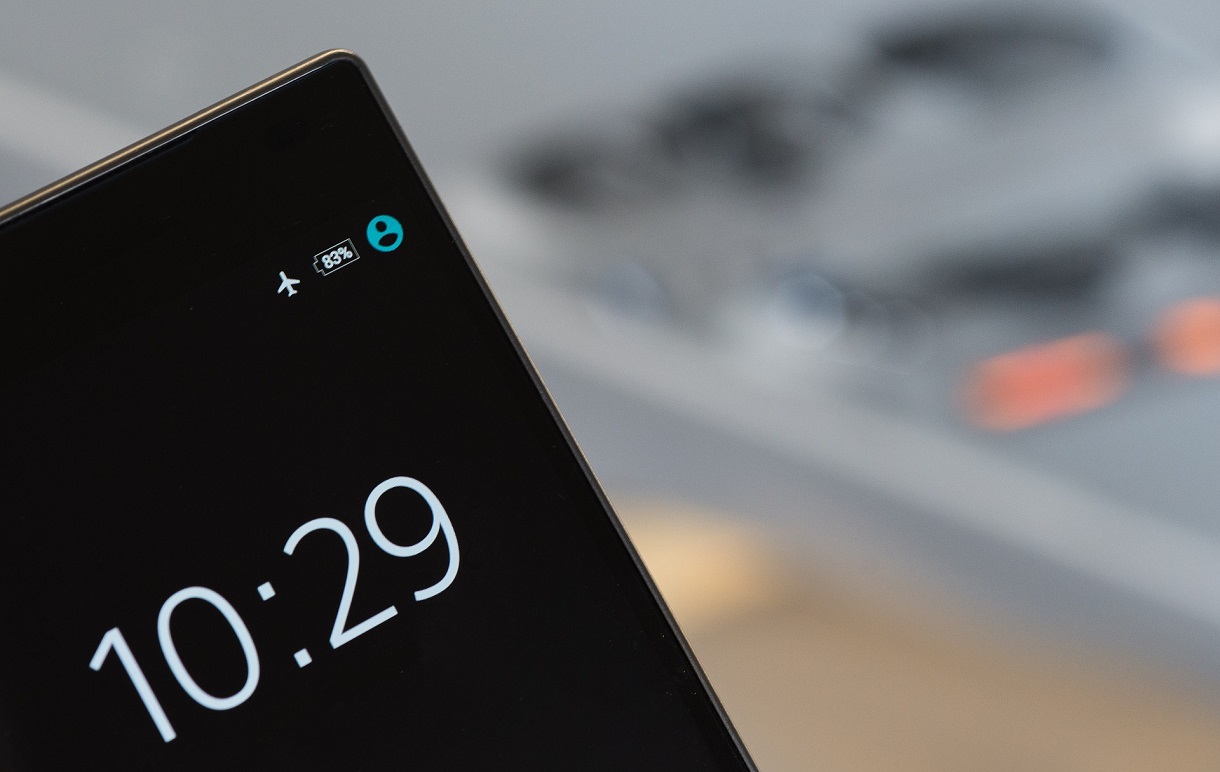
Airplane rules can feel confusing, especially if you are a first-time flyer. You sit down, fasten your seat belt, hear the safety briefing, and then the crew asks everyone to turn off electronic devices or switch them to airplane mode before takeoff.
At first, that sounds dramatic. A phone feels harmless. A tablet playing a downloaded movie does not look dangerous. A laptop seems normal. So why do airlines still care so much about devices during takeoff and landing?
The answer is not that one smartphone will automatically cause a disaster. The real answer is more practical: flying is managed with caution, and airlines try to reduce unnecessary risks during the most important parts of the flight.
Quick Answer: Why Do You Turn Off Electronic Devices on Airplanes?
Airlines ask passengers to turn off electronic devices or use airplane mode mainly to disable cellular transmission, reduce possible radio-frequency interference, avoid ground-network issues, keep crew communication clear and make sure passengers are attentive during takeoff and landing. Today, many small devices can stay on in airplane mode, but larger devices such as laptops usually need to be stowed during taxi, takeoff and landing.
In This Guide
- Quick Airplane Device Rule Checker
- Why Airlines Ask You to Turn Off Devices
- Electronic Interference: Real Risk or Caution?
- Why Cellular Signals Are a Problem
- Why Takeoff and Landing Are Different
- What You Can Usually Use on Board
- What Airplane Mode Actually Does
- Common Myths About Devices on Planes
- FAQ
Quick Airplane Device Rule Checker
Use this simple checker to understand what usually applies. The crew’s instructions always come first.
Example: A phone in airplane mode is often allowed during takeoff and landing if the airline permits handheld devices, but you must follow crew instructions.

Why Airlines Ask You to Turn Off Devices
In everyday language, passengers often hear “turn off your phone.” In practice, many modern rules focus on whether a portable electronic device is transmitting signals. A phone in normal mode searches for cell towers. A tablet may have cellular data active. A laptop may use Wi-Fi or Bluetooth. These wireless functions are the main concern.
There is also a cabin-safety reason. A small phone in your hand is different from a large laptop on a tray table. During takeoff and landing, a loose laptop can become a hazard, block movement or slow down evacuation. That is why some device rules are about radio signals, while others are about keeping the cabin secure.
Electronic Interference: Real Risk or Caution?
Portable electronic devices can emit radio-frequency energy. Aircraft also rely on communication, navigation and monitoring systems. Modern aircraft are designed and tested with electromagnetic compatibility in mind, so serious interference from one ordinary phone is unlikely.
But aviation is cautious by design. If hundreds of passengers are using different devices at the same time, the crew cannot test each device during takeoff. Asking everyone to switch off transmitting functions is a simple way to reduce one possible source of interference.
Why Cellular Signals Are a Problem
A phone at altitude can detect multiple ground cell towers over a wide area. Instead of connecting normally to one nearby tower, it may keep searching, handing off or trying to communicate in ways that ground networks were not designed for.
This is one reason cellular use in the air is treated differently from approved onboard Wi-Fi. Airline Wi-Fi systems are installed and approved for aircraft use. Cellular calls and mobile data are a separate issue unless the aircraft and airline have a specific approved system.
Why Takeoff and Landing Are Different
Takeoff and landing are critical phases of flight. That is why passengers are asked to fasten seat belts, raise tray tables, secure bags and stow large devices. The goal is to keep everyone ready in case the crew needs to give instructions quickly.
Even if interference were not a concern, device use can still be a distraction. Loud headphones, phone calls, loose tablets and open laptops can make it harder for passengers to hear instructions or move quickly if needed.
What You Can Usually Use on Board
| Device | Usually Allowed? | Important Rule | Why It Matters |
|---|---|---|---|
| Phone | Often yes in airplane mode | Disable cellular calls and mobile data | Reduces transmission and ground-network issues |
| Tablet or e-reader | Often yes in airplane mode | Hold securely or stow when told | Prevents loose-item hazards |
| Laptop | Usually only at cruising altitude | Stow during taxi, takeoff and landing | Large devices can block movement or become hazards |
| Bluetooth headphones | Often yes if airline permits | Remove or pause during safety briefings if asked | Passengers need to hear instructions |
| Power bank | Usually carry-on only | Follow airline battery rules | Lithium battery safety rules are strict |
What You Can Usually Use on Board
- Offline entertainment: downloaded movies, music, podcasts, e-books and games are usually fine if the device is permitted and secured.
- Airline Wi-Fi: use it only when the airline announces that onboard Wi-Fi is available.
- Bluetooth accessories: often allowed, but airline rules vary and safety briefings still matter.
- Camera mode: usually okay on a phone in airplane mode, as long as you hold it safely and do not block crew movement.
- Large electronics: laptops and similar devices usually need to be stowed for taxi, takeoff and landing.
What Airplane Mode Actually Does
Airplane mode disables cellular transmission. Depending on the device, it may also turn Wi-Fi and Bluetooth off at first. Many phones then let you turn Wi-Fi or Bluetooth back on while keeping cellular service disabled.
That is why crews may say “switch to airplane mode” instead of “turn everything off.” The screen itself is not usually the problem. The concern is the device searching for towers, sending mobile data or making calls.
Common Myths About Devices on Planes
“One phone will crash the plane.”
That is not realistic. The rule is about reducing avoidable risk, not because one forgotten phone automatically causes disaster.
“Airplane mode means no Wi-Fi ever.”
Not always. Many airlines allow Wi-Fi after airplane mode is enabled, especially when onboard Wi-Fi is available.
“Only pilots care about this.”
Cabin crew also care because devices can distract passengers or become loose hazards during critical phases.
“Rules are identical everywhere.”
They are not. Rules can vary by airline, country, aircraft, route and crew instruction.
Before You Fly: Simple Device Checklist
- Download films, music, podcasts, books and maps before boarding.
- Switch your phone to airplane mode before takeoff.
- Keep your charging cable, headphones and small device within easy reach.
- Stow your laptop before taxi, takeoff and landing.
- Listen to the safety briefing, even if you fly often.
- Save travel documents offline in case Wi-Fi is not available.
- Follow crew instructions even if another airline handled devices differently.
For extra flying preparation, you may also find these ChipJourney guides useful: travel tips that are a must-know, common items savvy travelers bring, and taking baby food on a plane.
The Bottom Line
Airplane mode is a small action with a practical purpose. It reduces unnecessary transmissions, supports clearer communication, keeps cabin routines simple and helps passengers stay ready during takeoff and landing. It is not about fear; it is about cautious, consistent safety habits.
Summary: Airplane Device Rules Are About Reducing Avoidable Risk
Airlines ask passengers to turn off electronic devices or use airplane mode because aircraft operations depend on clear communication, controlled cabin conditions and conservative safety rules. Today, many small devices can stay on in airplane mode, but cellular service should be disabled and larger devices should be stowed when required.
The easiest rule is simple: use airplane mode, keep devices secure, listen to the crew and follow the specific instructions given on your flight.
Written by Boyan Minchev
FAQ
Do I have to turn my phone completely off on a plane?
Usually, no. On many airlines, you can keep your phone on if it is in airplane mode. However, if the crew asks for devices to be powered down completely, follow that instruction.
Why do flight attendants check devices before takeoff?
They are checking that large devices are stowed, cellular calls are not being made, passengers can hear instructions and the cabin is ready for a critical phase of flight.
Can phones really interfere with airplane systems?
Modern aircraft are designed to tolerate normal electronic environments, and serious interference is unlikely. Still, portable devices can emit radio-frequency energy, so airlines use conservative rules to reduce avoidable risk.
Can I use Wi-Fi or Bluetooth in airplane mode?
Often yes, if the airline permits it. Airplane mode disables cellular transmission, and many devices then allow Wi-Fi or Bluetooth to be turned back on for approved onboard internet or accessories.
Can I use my phone camera during takeoff and landing?
Often yes, if your phone is in airplane mode and the airline allows handheld devices. Keep it secure and stop immediately if a crew member asks you to.
What happens if I forget airplane mode?
Do not panic. Switch it to airplane mode as soon as you notice. One forgotten phone is unlikely to cause an emergency, but following the rule helps keep procedures consistent for everyone.
Sources and Further Reading
- Federal Aviation Administration: Expanded use of personal electronics
- Federal Communications Commission: Cellular service aboard aircraft
- BBC Future: Why we turn devices off on planes
- FAA PackSafe: Lithium batteries
- ChipJourney: Traveling Tips That Are a Must Know
- ChipJourney: Common Items Savvy Travelers Bring
- ChipJourney: Baby Food on Plane
- ChipJourney: Best Way to Sleep on a Plane
- ChipJourney: What Is Travel Insurance?
Affiliate Disclosure
Some links on ChipJourney may be affiliate links. If you buy, book or purchase through a qualifying link, we may earn a small commission at no extra cost to you. This helps support the site and keeps our travel guides free to read.